
LoopGain Toolbox Apps





Utils
Alpha Testing

Good Company
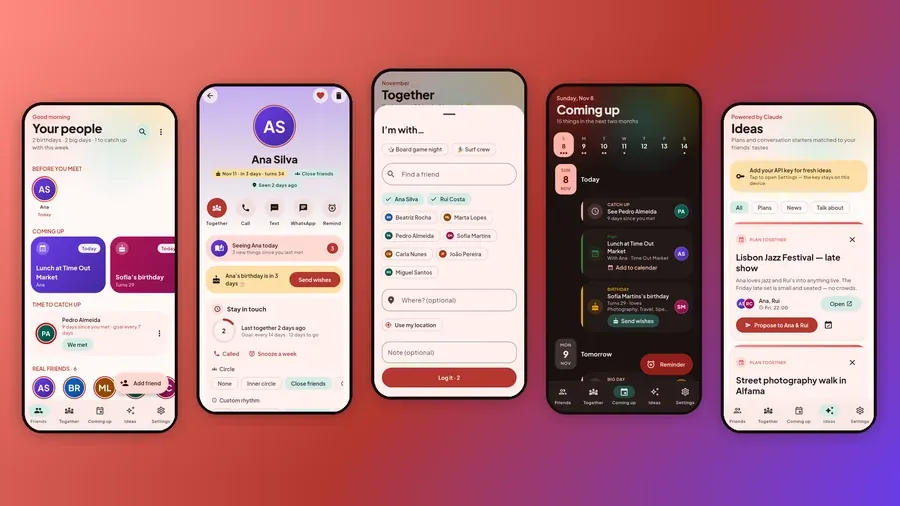
A little CRM for friendship: remember what your friends love, their kids' birthdays and the last time you saw each other, and get a gentle nudge before it's been too long.

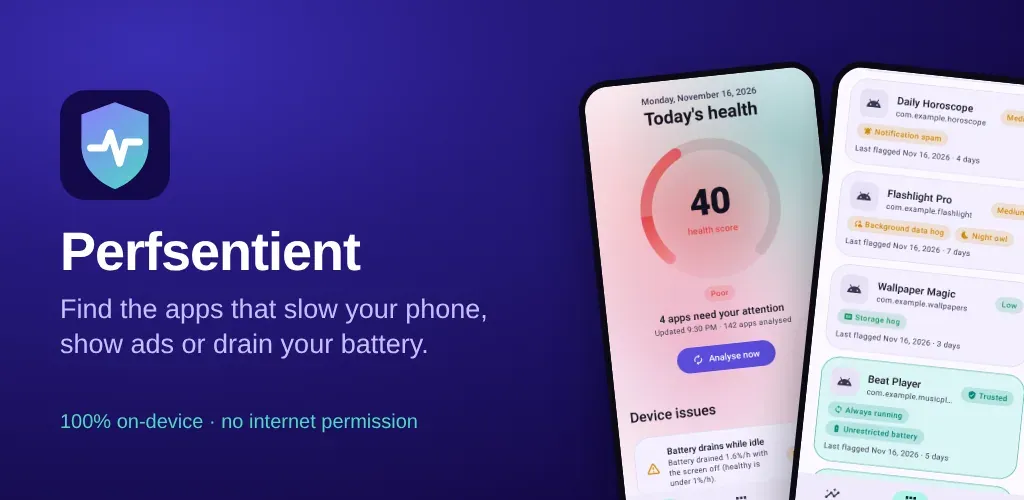

Perfsentient
Your phone's watchdog: it finds the apps that drain your battery, show pop-up ads or hide their icon, and gives you one plain report a day with a health score and the evidence. Everything is worked out on the device and the app has no internet permission.

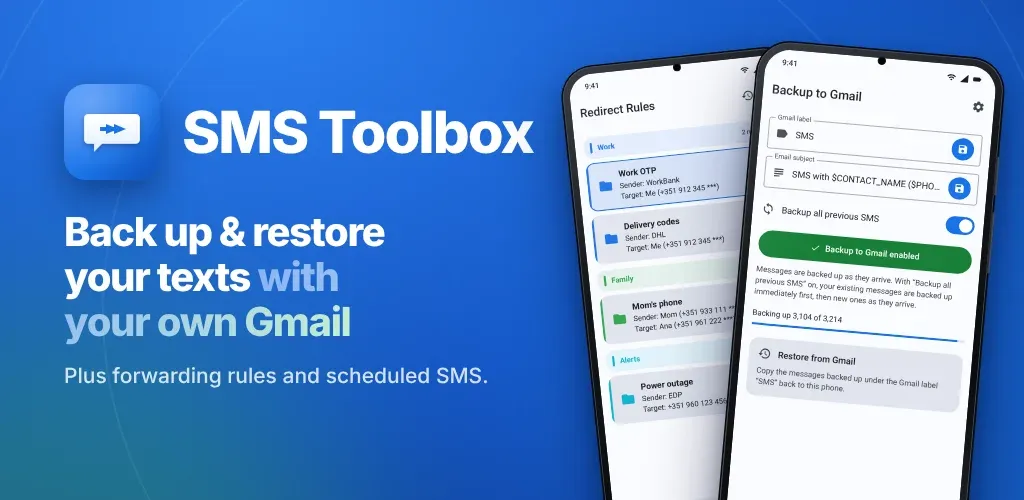

SMS Toolbox
Ever wanted to automatically forward your package delivery texts to your partner? Or anything else? Here you have it.
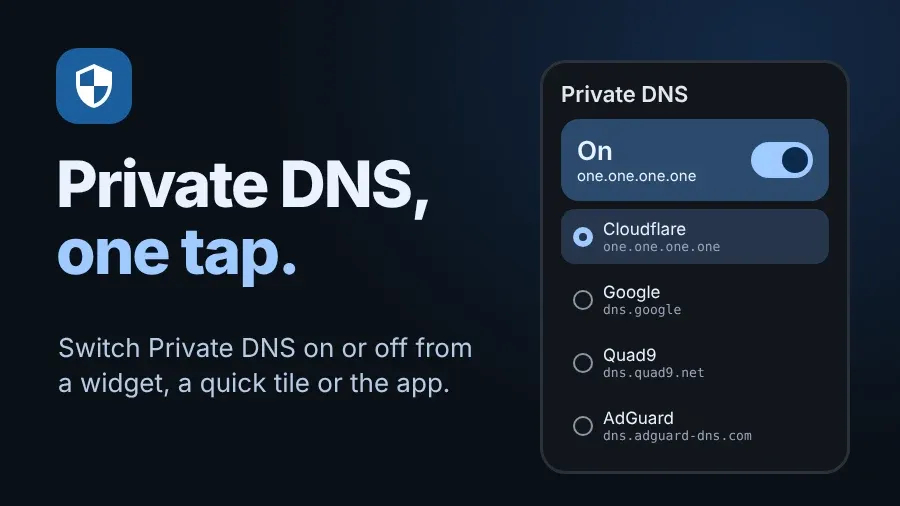

Private DNS Changer
One-tap on/off for Android's Private DNS, set to the provider you choose: Cloudflare, Google, Quad9, AdGuard, Mullvad or your own hostname. Use the home screen widget, the Quick Settings tile or the in-app switch.
Finance
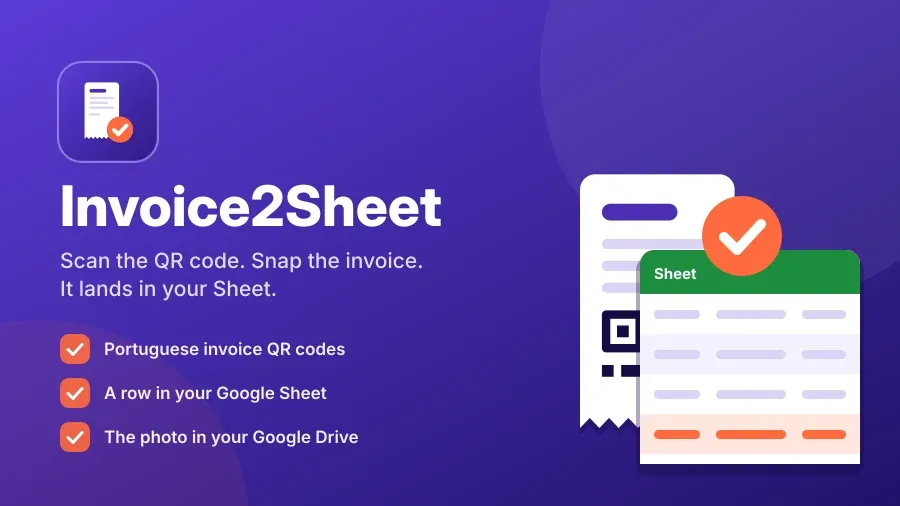
Invoice2Sheet
Scan the QR code on a Portuguese invoice and snap a photo: the invoice becomes a row in your Google Sheet and the photo lands in your Google Drive. No typing required.
Beta Testing

Net Worth
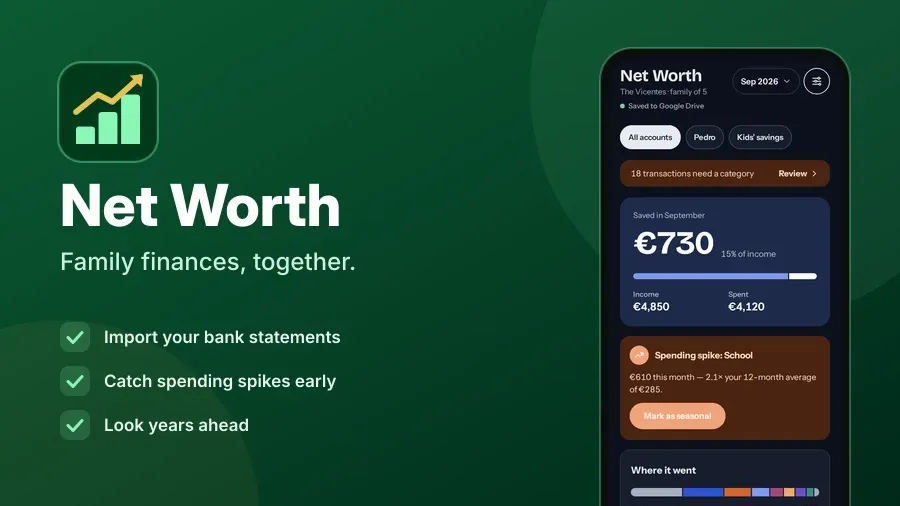
Family finances, together: import your bank statements, see where the money went, catch spending spikes before they hurt and look years ahead. Your data stays in your own Google Drive.
Trivia
Allowed Names in Portugal
The official list of allowed names in Portugal, extracted directly from IRN, but easy to filter and search.
Watch Faces
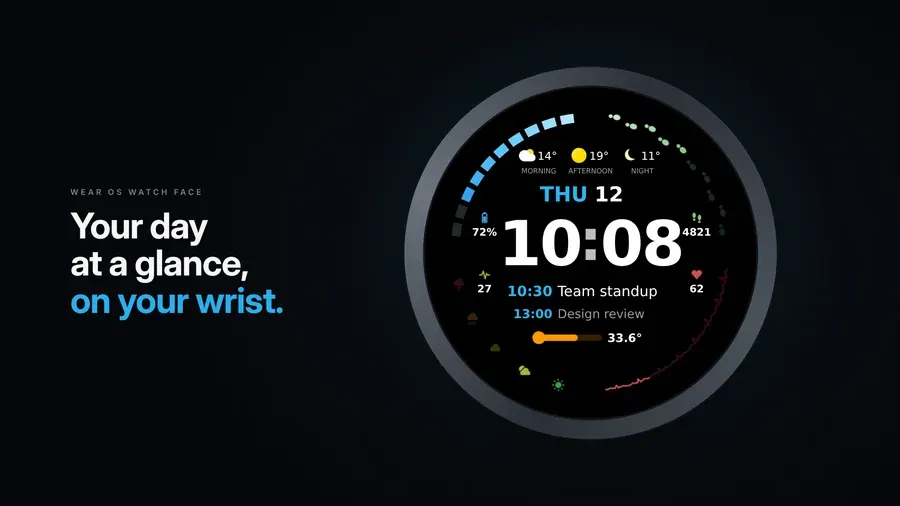
Work Tools
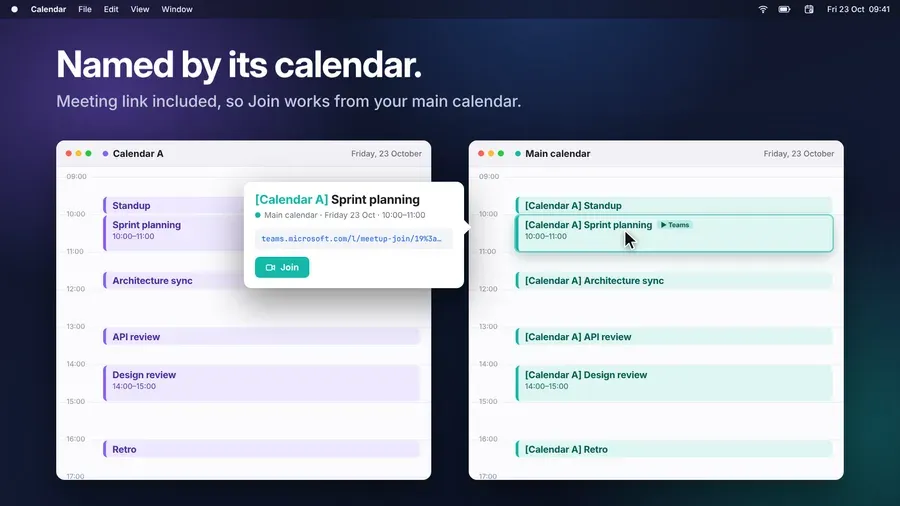
Calendar Hub
A tiny macOS menu bar app that copies meetings from your secondary calendars into your main calendar, so colleagues stop booking you over meetings they can't see. Also provides full screen meeting reminder and more.

Utils
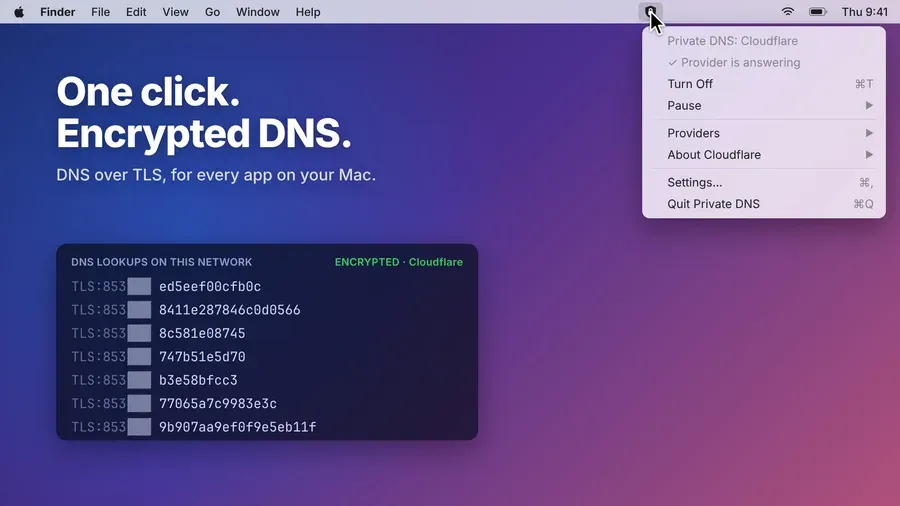
Private DNS for macOS
Encrypted DNS from your Mac's menu bar: one click turns on DNS over TLS for every app, with the provider you picked from 24 (Cloudflare, Quad9, Mullvad, NextDNS or your own). Pause it, or set rules per Wi-Fi network. The macOS cousin of Private DNS Changer.
Security
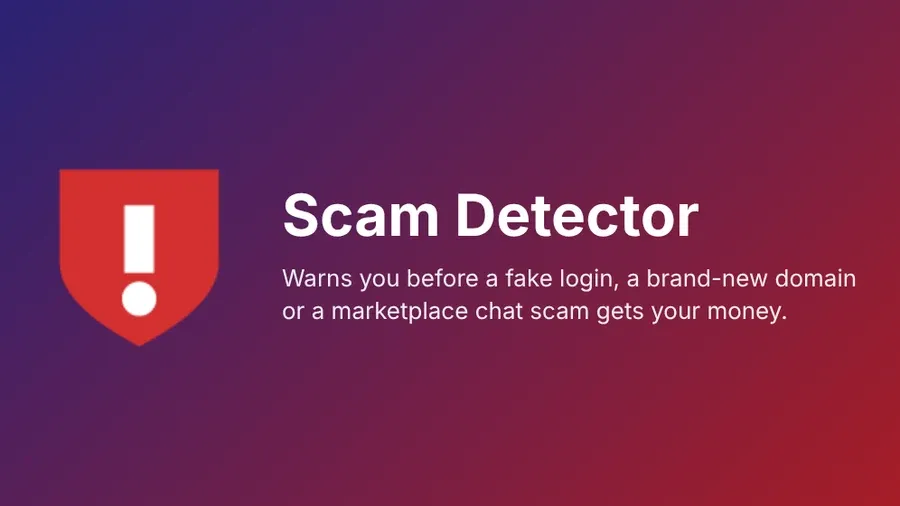
Scam Detector
A browser extension for Chrome and Firefox that warns you when a website looks like a scam: brand-new domains, look-alike brands, phishing forms, money-fraud wording and marketplace chat scams. Everything runs in your browser, in English, Portuguese, Spanish and French.
Podcast Tools

AI Podcast Short Editor
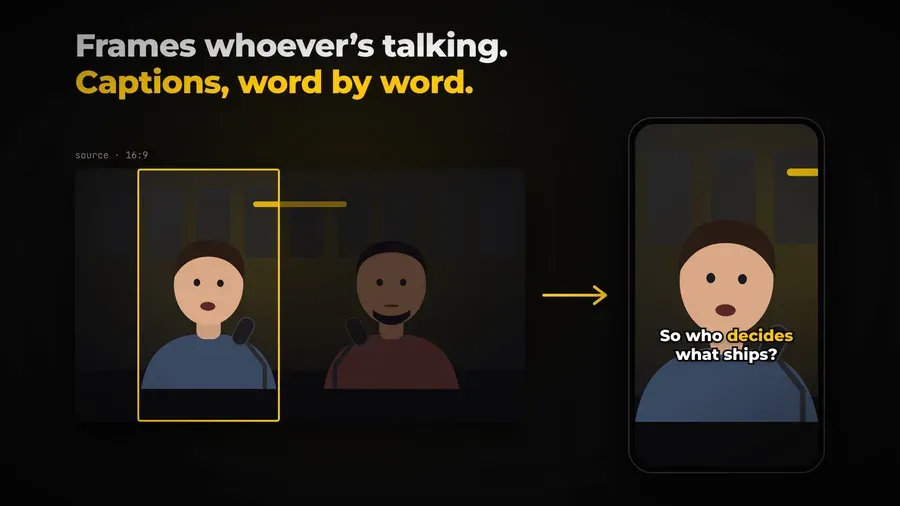
One command turns a full podcast episode into ready-to-post vertical shorts: Claude picks the moments that stand on their own, the crop follows whoever is talking and the captions light up word by word. Built at Mindera.
Prompts
Prompts Collection
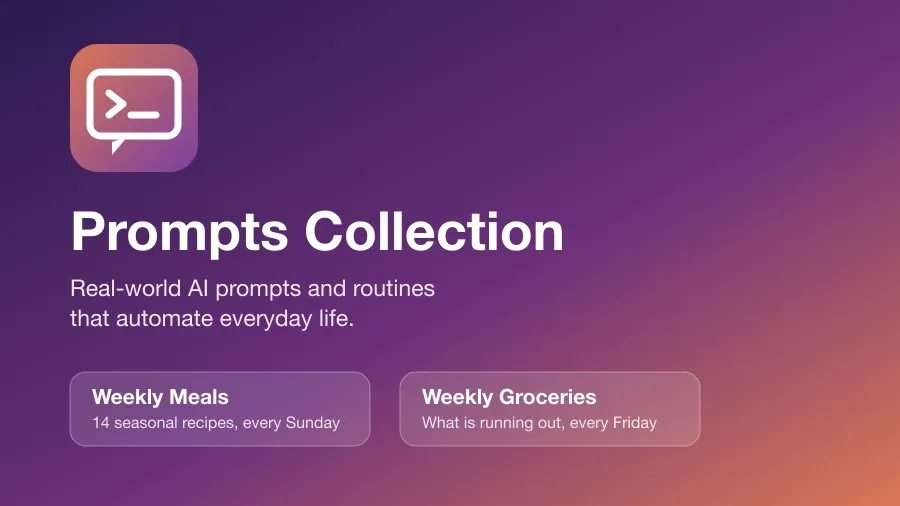
Real-world AI prompts and scheduled routines that automate everyday life, ready to copy: a weekly email with seasonal meals and recipes, and a grocery list learned from your supermarket invoices. In English and Portuguese.
Software Development

Enterprise Spec Driven Development
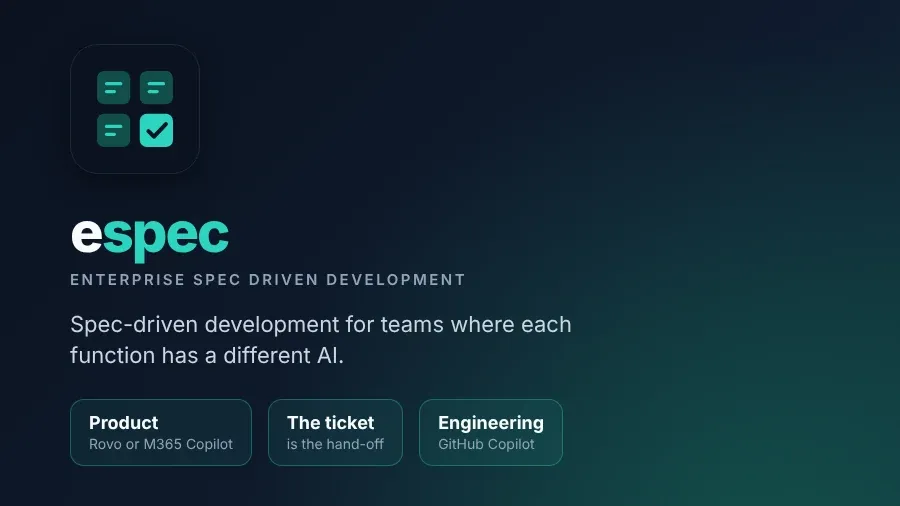
Spec-driven development for companies where each function has a different AI: product defines the feature in Rovo or M365 Copilot, the ticket is the hand-off, and engineering takes it from tech proposal to code and living specs in GitHub Copilot. Built at Mindera.
FAQ
Do you have an iOS version?
This is about my mobile apps only (not the macOS, Chrome or AI ones). I publish them for free, so everybody can use them. Publishing on Apple’s App Store costs $99 per year, and for now I don’t want to add ads or anything similar to cover that. For some of the mobile apps, you can use the web version.
I might change my mind in the future if there is enough interest.
Which other apps do you have installed?
I keep a list of the apps I actually use, written up on Medium: my Android apps, my macOS software tool kit and my AI toolkit.
How can you support the app development?
If you want to donate a few bucks, there is a button below, or you can use Revolut.
Add them to your home screen
The web versions work like apps: open one in your browser and add a shortcut to your home screen.
Android (Chrome)
- Open the page in Chrome.
- Tap the ⋮ menu at the top right.
- Choose "Install app" or "Add to Home screen".
- Confirm, and the icon appears with your other apps.
iPhone and iPad (Safari)
- Open the page in Safari.
- Tap the Share button (the square with an arrow).
- Scroll down and choose "Add to Home Screen".
- Tap Add, and the icon appears on your home screen.