
Skip to content
PT

Free stuff

Want to help me keep publishing games for free?

Donate on Revolut or via Buy Me A Coffee.

All-in-One

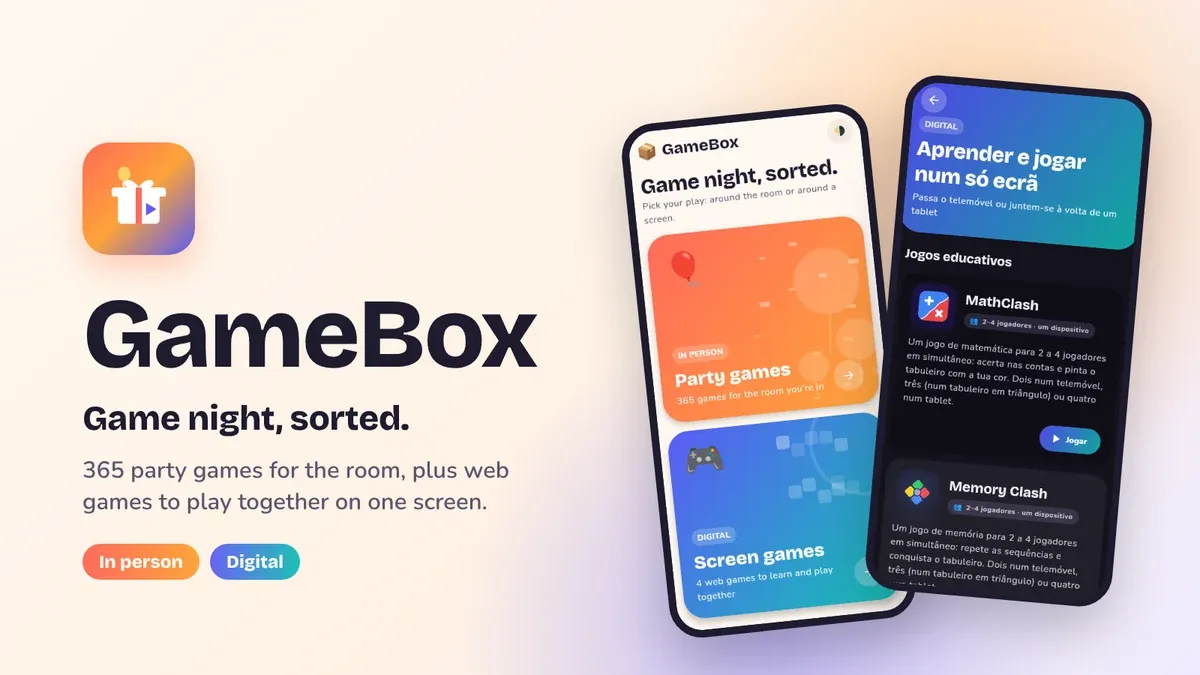
GameBox banner: a gift-box app icon with a balloon and a play button, the title, the tagline "Game night, sorted.", the chips In person and Digital, and two phones showing the home screen and the digital games

GameBox

Game night, sorted: every game on this site in one app. 365 party games for the room you are in, to search and filter by place, age, group size or materials, plus the web games below to play together on one screen. Works offline, in English and Portuguese.


Educational Games

MathClash

A maths game for 2 to 4 players at the same time: answer the sums right and paint the board in your colour. Two on a phone, three (on a triangle board) or four on a tablet.

Pensatempo

A quiz board game for 2 to 10 players, on one device or online with a phone each: roll the die, answer questions on maths, Portuguese history, science, Portuguese and English, and be the first to land exactly on square 75. Each player picks their own difficulty.

Festivity Games

In Concept

Conceptual Phase

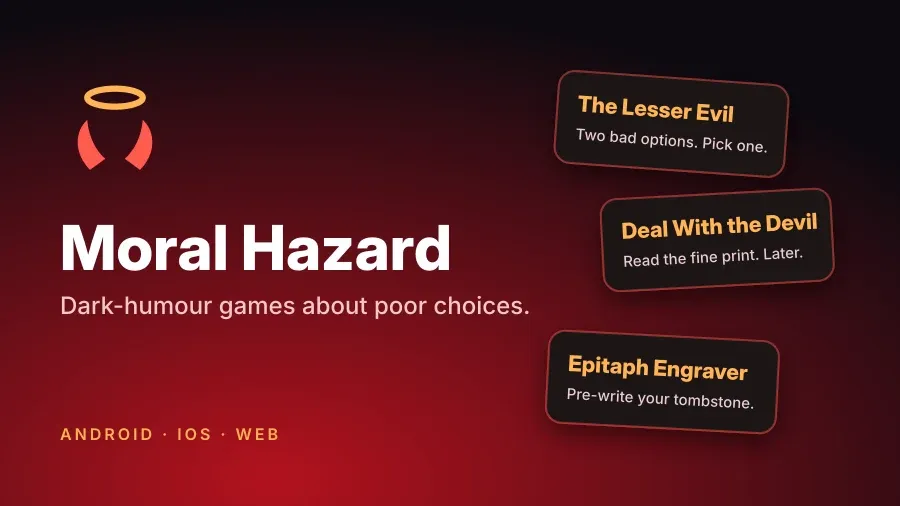
Moral Hazard banner: a halo over a pair of devil horns, the tagline "Dark-humour games about poor choices." and cards for The Lesser Evil, Deal With the Devil and Epitaph Engraver

Moral Hazard

Dark-humour games about poor choices: pick the lesser of two evils, trade slices of your soul with the devil, or pre-write your own tombstone.

Add them to your home screen

The web versions work like apps: open one in your browser and add a shortcut to your home screen.

Android (Chrome)

  1. Open the page in Chrome.
  2. Tap the ⋮ menu at the top right.
  3. Choose "Install app" or "Add to Home screen".
  4. Confirm, and the icon appears with your other apps.

iPhone and iPad (Safari)

  1. Open the page in Safari.
  2. Tap the Share button (the square with an arrow).
  3. Scroll down and choose "Add to Home Screen".
  4. Tap Add, and the icon appears on your home screen.